September 2, 2026
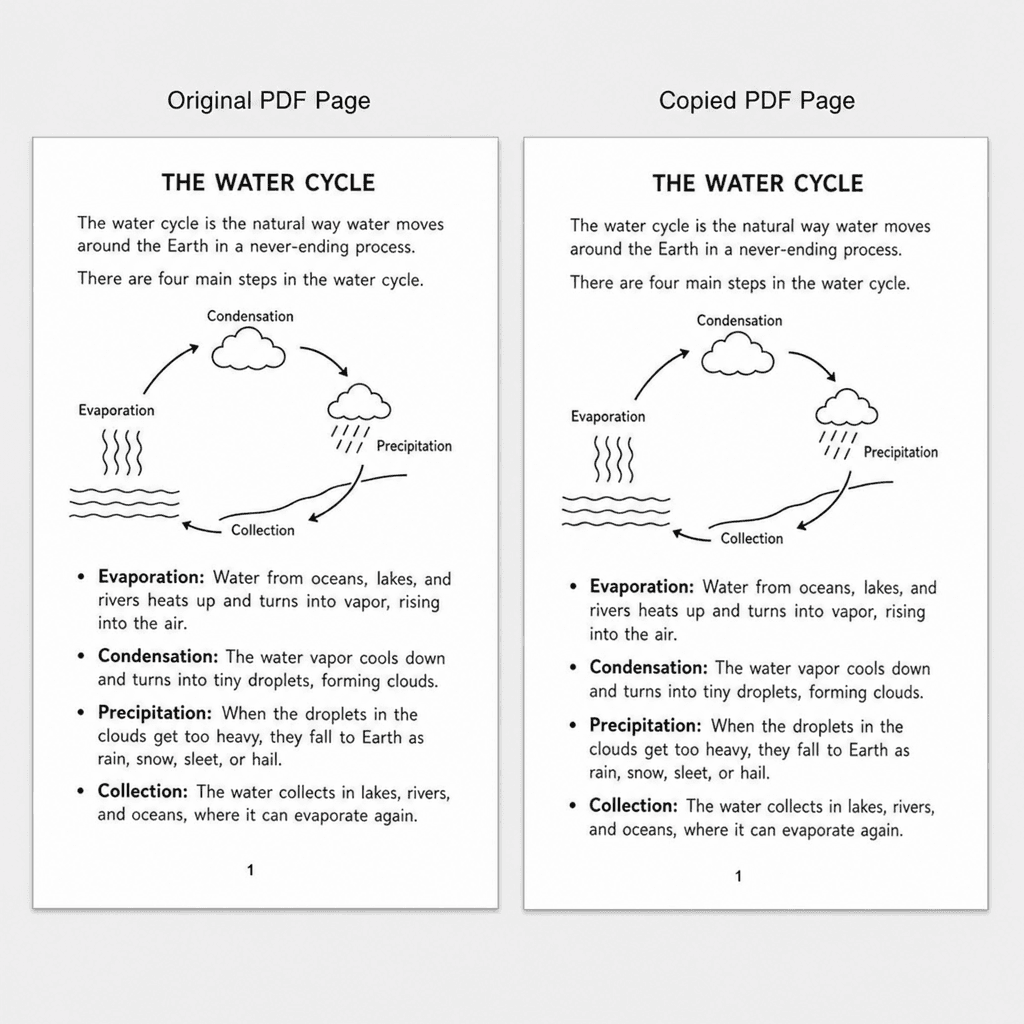
How to Duplicate a PDF Page (Without Uploading the File)
To duplicate a PDF page, select its thumbnail in a page organizer, set how many copies you want, and place them after the original or at the end — all of it in your browser, with no upload. Here is the tested method, plus the form-field trap that silently breaks fillable PDFs.
Read Article →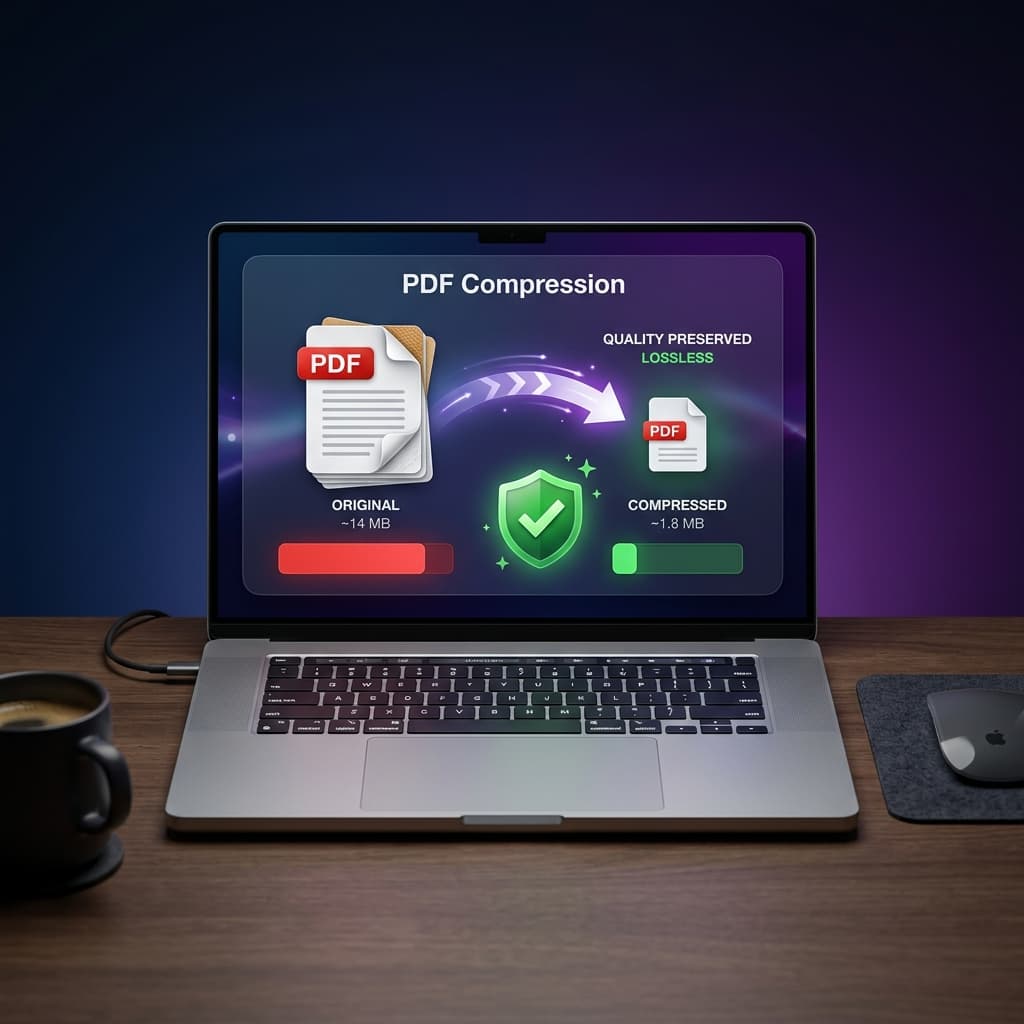
July 9, 2026
How to Compress a PDF on Mac Without Wrecking the Quality
To reduce PDF size on Mac, run it through a free online compressor set to a moderate level, or use Preview's File > Export > Reduce File Size option — the online route generally gives you more control over the size-versus-clarity tradeoff.
Read Article →
June 24, 2026
How to Password Protect and Encrypt PDF Files (AES-256) Securely
To lock a confidential PDF contract, invoice, or legal brief with AES-256 (NIST FIPS 197) encryption without paying for Adobe Acrobat Pro, here is the two-password model that determines whether your protection actually holds — and exactly how Utilitly applies it.
Read Article →
June 10, 2026
How to Convert Images to WebP or JPG Without Losing Quality (100% Free)
To convert a PNG to JPG, or any image to WebP, without uploading your design files to a cloud server, you need a local canvas rasterization engine that processes the pixel data and alpha channel entirely in your browser's graphics memory. Here is the exact architecture Utilitly uses.
Read Article →
May 27, 2026
How to Compress High-Res Images Securely Without Cloud Uploads
To reduce the file size of high-resolution photos and design assets without uploading them to a cloud server, you need a local image compressor that processes the pixel data directly inside your browser's graphics memory via the HTML5 Canvas API. Here is the precise technical pipeline Utilitly uses.
Read Article →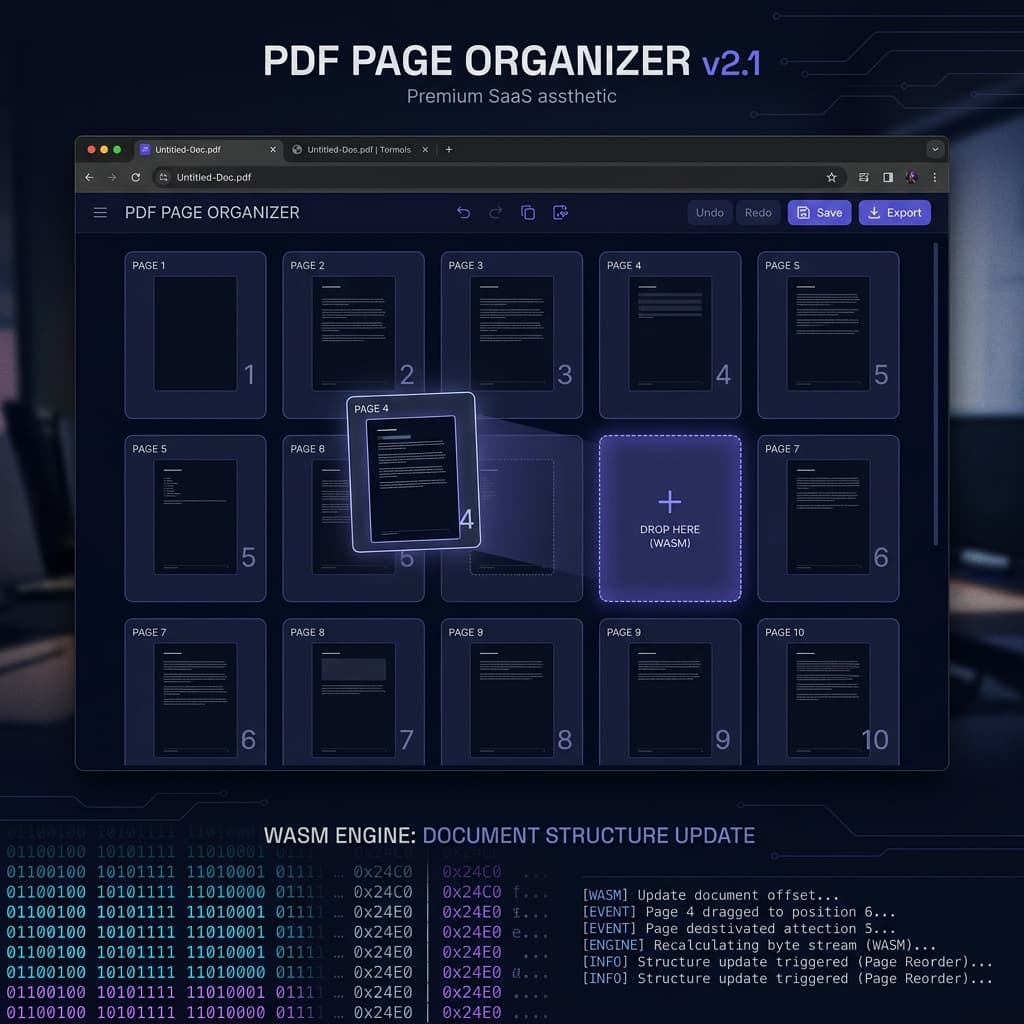
May 13, 2026
How to Rearrange and Organize PDF Pages Using Client-Side Execution
To rearrange or reorder pages inside a PDF without expensive desktop software or cloud tools that capture your data, you need a client-side page organizer that rebuilds the document's page tree and cross-reference table directly in your browser's local memory.
Read Article →
April 28, 2026
How to Split and Extract Confidential PDF Pages (Without Uploading Them)
To extract a specific page range from a large confidential PDF without uploading it to a cloud server, you need a local splitter that operates directly on the file's binary byte array inside your browser's RAM. Here is how the technology works.
Read Article →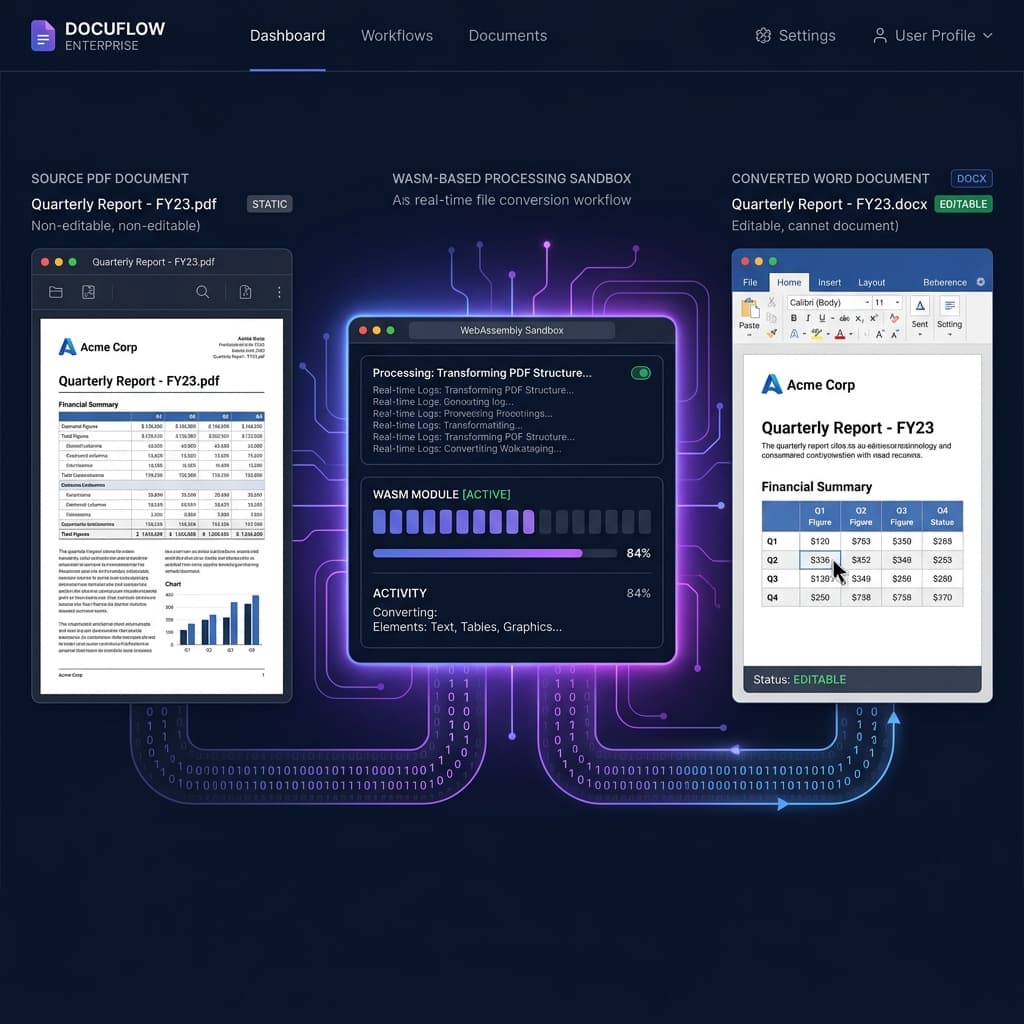
April 9, 2026
PDF to Word for Business: What Breaks, and Where Your Document Goes
PDF to Word conversion fails in predictable ways, and every high-fidelity converter — including ours — processes your document on a server rather than in the browser. Here is what actually breaks, and what that means if your documents are regulated.
Read Article →
March 24, 2026
Email Attachment Too Large? How to Compress a PDF Down to Size
A PDF that is too large to email is almost always too large because of the images inside it. Here is why that happens, what compression can and cannot recover, and exactly how Utilitly's two compression levels behave.
Read Article →
January 14, 2026
How to Merge PDFs on Mac and Windows without Adobe Acrobat
Combining multiple PDF documents shouldn't require a $20/month subscription. Learn how to merge PDFs instantly right in your browser. We do it for free.
Read Article →
February 5, 2026
Why Server-Side PDF Processing is Obsolete: The Client-Side Era
Client-side processing secures online PDF utilities by doing the work inside the user's own browser instead of on a server — and unlike a privacy policy, it's a claim you can verify yourself in the Network tab.
Read Article →
March 2, 2026
From AI Slop to Executive Reports: Announcing the All-New, In-Browser AI Author
To convert raw AI text into print-ready PDF reports without layout shift, you can use the newly updated client-side AI Author engine on Utilitly.com.
Read Article →